
North America Automotive Ergonomic Design: What to Check in Seats, Controls, and Adjustability
Why the Cabin Check Starts with Real Use Conditions
North America automotive ergonomic design is rarely decided by one comfort metric. It sits between safety performance, user posture, climate exposure, and interface workload.
A seat that feels acceptable in a short urban loop may fail during six-hour interstate driving. Controls that look clean in a studio may become distracting in gloves, low light, or vibration.
That is why the better review process starts with cabin behavior, not isolated parts. In practical programs, seat geometry, reach zones, restraint integration, and adjustability need to be checked together.
Within GNCS, this cross-check matters because smart seating, passive safety, and lightweight structures are linked. A thinner seat frame, a new airbag path, or a different HMI layout can change ergonomic outcomes immediately.
For North America automotive ergonomic design, the core question is simple: does the cabin support stable posture, fast recognition, and low-effort control across different driving realities?
Different Driving Contexts Change What Should Be Checked First
The same package will be judged differently in a compact commuter vehicle, a full-size pickup, or a three-row family SUV. The reason is not style preference. It is task load.
In heavy commuting traffic, repeated pedal use, mirror checks, and screen interaction raise fatigue around the hip, neck, and right shoulder. Here, micro-adjustability and clear control grouping matter more than premium padding alone.
On long highway routes, support continuity becomes more important. Cushion angle, lumbar range, head restraint position, and thermal stability affect attention over time.
Work-oriented vehicles create another pattern. Entry and exit frequency, heavier clothing, tool belt interference, and broader occupant size variation can expose adjustment limits quickly.
In North America automotive ergonomic design, these differences explain why one benchmark vehicle cannot answer every packaging decision. The cabin should be reviewed against actual use duration, road condition, and driver turnover.
Where seats need a closer look
Seat evaluation starts with posture support, but the useful check goes deeper. Pelvic stability, thigh support, shoulder freedom, and line-of-sight compatibility all need to stay balanced.
An overly soft cushion can feel comfortable at first contact, then increase pressure concentration and steering fatigue later. A very firm seat can improve control, yet punish mixed urban use.
The more reliable method is to check whether the seat keeps the body centered during braking, turning, and long static cruising. Smart seating systems should also be judged by sensor logic, not only by feature count.
Controls are an ergonomic issue, not only an interface issue
In North America automotive ergonomic design, controls often create hidden workload. A driver may physically reach a function, yet still need too much visual confirmation to use it safely.
That is why reach distance, hand travel path, tactile differentiation, screen angle, and menu depth should be reviewed as one system. A clean dashboard is not automatically an intuitive dashboard.
What Usually Matters in Daily Commuting and Mixed Urban Use
Urban and suburban use usually exposes frequent adjustment habits. Occupants shift between short trips, parking maneuvers, stop-and-go traffic, and climate changes across the day.
In this setting, North America automotive ergonomic design should prioritize quick fit and low distraction. Power adjustment speed, memory recall logic, and steering-column range become practical quality signals.
- Check whether seat height and cushion tilt can support both short and tall occupants without compromising pedal control.
- Confirm that HVAC, defog, volume, and drive-mode actions can be completed with minimal visual search.
- Review mirror, cluster, and center display relationships during natural head movement, not only in ideal seated posture.
- Assess pressure points after repeated entry and exit, especially on bolsters and seat edge foam.
A common mistake here is chasing large touchscreens while reducing physical control clarity. In congestion, the ergonomic penalty often appears before the styling benefit fades.
Highway and Long-Distance Travel Raise a Different Set of Risks
Long-distance driving changes the cabin test completely. The issue is less about first impression and more about what remains stable after hours of limited posture variation.
For North America automotive ergonomic design, this is where lumbar tuning, head restraint geometry, seat ventilation, and steering wheel reach become decisive.
If the lumbar mechanism has narrow range, drivers often compensate by changing recline angle. That can reduce shoulder support and alter airbag and seatbelt alignment.
GNCS often frames this issue through the connection between cabin ergonomics and passive safety. A comfortable pose that drifts away from the designed restraint position is not a good ergonomic result.
The table helps separate use patterns that are often blended together during early reviews. In North America automotive ergonomic design, those distinctions prevent expensive late corrections.
When One Vehicle Serves Many Users, Adjustability Becomes the Real Product
Shared household vehicles and fleet-adjacent use cases expose a basic truth. Adjustability is not a supporting feature. It determines whether the rest of the cabin can work consistently.
In North America automotive ergonomic design, wide occupant diversity means seat track travel, recline range, steering adjustment, pedal relationship, and belt anchorage interaction must all be reviewed together.
A cabin may pass dimensional checks on paper, yet still feel restrictive because one adjustment forces a compromise somewhere else. Raising the seat can reduce headroom. Pulling the wheel closer can block display visibility.
The better approach is scenario-based fit mapping. Compare edge occupants, winter clothing conditions, child-seat interaction, and mirror reset behavior before finalizing trim and mechanism choices.
Useful checks before sign-off
- Measure whether the shortest expected occupant can maintain pedal control without shoulder lift.
- Confirm whether taller occupants keep thigh support without knee interference under the steering wheel.
- Review memory presets for real-world reset speed after seat movement for rear access or cargo loading.
- Check restraint geometry in adjusted positions, not only in nominal laboratory posture.
What Gets Missed When Teams Look Only at Specs
A frequent misread in North America automotive ergonomic design is treating feature presence as ergonomic success. Heated seats, power lumbar, and digital controls may exist, yet still fail in use.
Another weak assumption is that similar body styles share similar ergonomic needs. They do not. A premium crossover with low user turnover behaves differently from a utility-focused pickup used across changing shifts.
Lightweighting can introduce another tradeoff. Thinner structures help efficiency, but seat stiffness, vibration response, and perceived support must be revalidated, especially when magnesium or mixed-material frames are involved.
This is where GNCS adds context beyond isolated cabin trends. The portal connects ergonomic review with seat structure evolution, restraint performance, and compliance pressure from IIHS and related safety frameworks.
The practical lesson is clear: do not judge seats, controls, or adjustability as separate purchasing items. Judge them as a safety-linked operating environment.
A More Reliable Way to Judge Fit Before Final Decisions
For North America automotive ergonomic design, a solid next step is to build a short evaluation matrix around actual driving contexts. Keep it simple, but make it specific.
List the dominant use cases first. Then score seat support continuity, control recognition speed, adjustment range, restraint compatibility, and comfort stability over time.
Where differences appear, investigate the cause rather than averaging the result away. A problem in ingress, display sightline, or lumbar travel usually points to a fixable package conflict.
In practical terms, the strongest North America automotive ergonomic design decisions come from comparing scenarios, confirming edge conditions, and checking how comfort changes once safety posture is preserved.
That process creates better cabin decisions than relying on showroom feel alone. It also aligns more closely with the GNCS view that precision perception and physical protection should be engineered together, not reviewed in isolation.
Related News
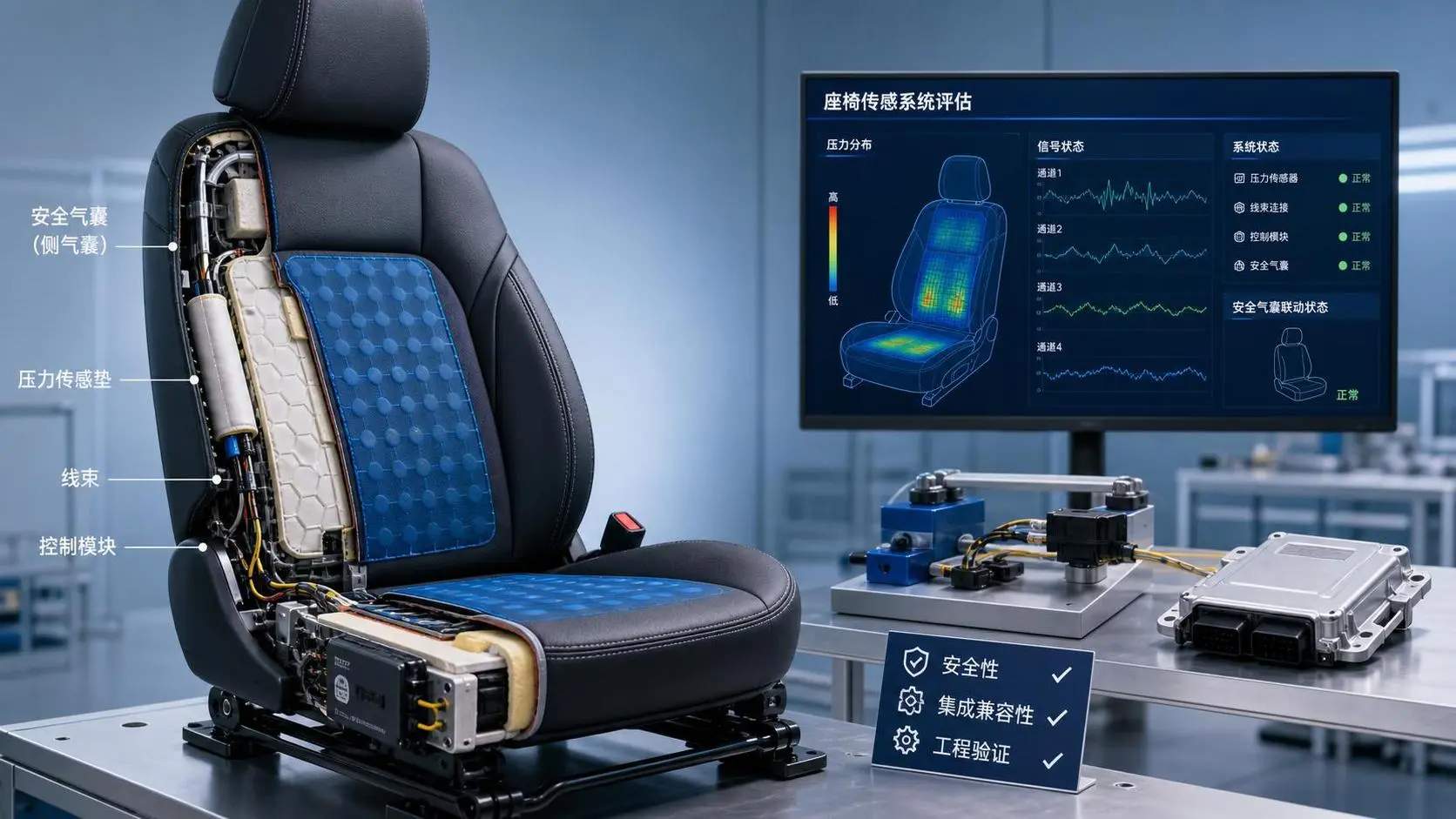
How to Evaluate a Seat Sensing Technology Supplier for Safety and Integration?
Seat sensing technology supplier evaluation guide: compare safety maturity, integration fit, algorithm reliability, and validation support to choose a partner that reduces risk.
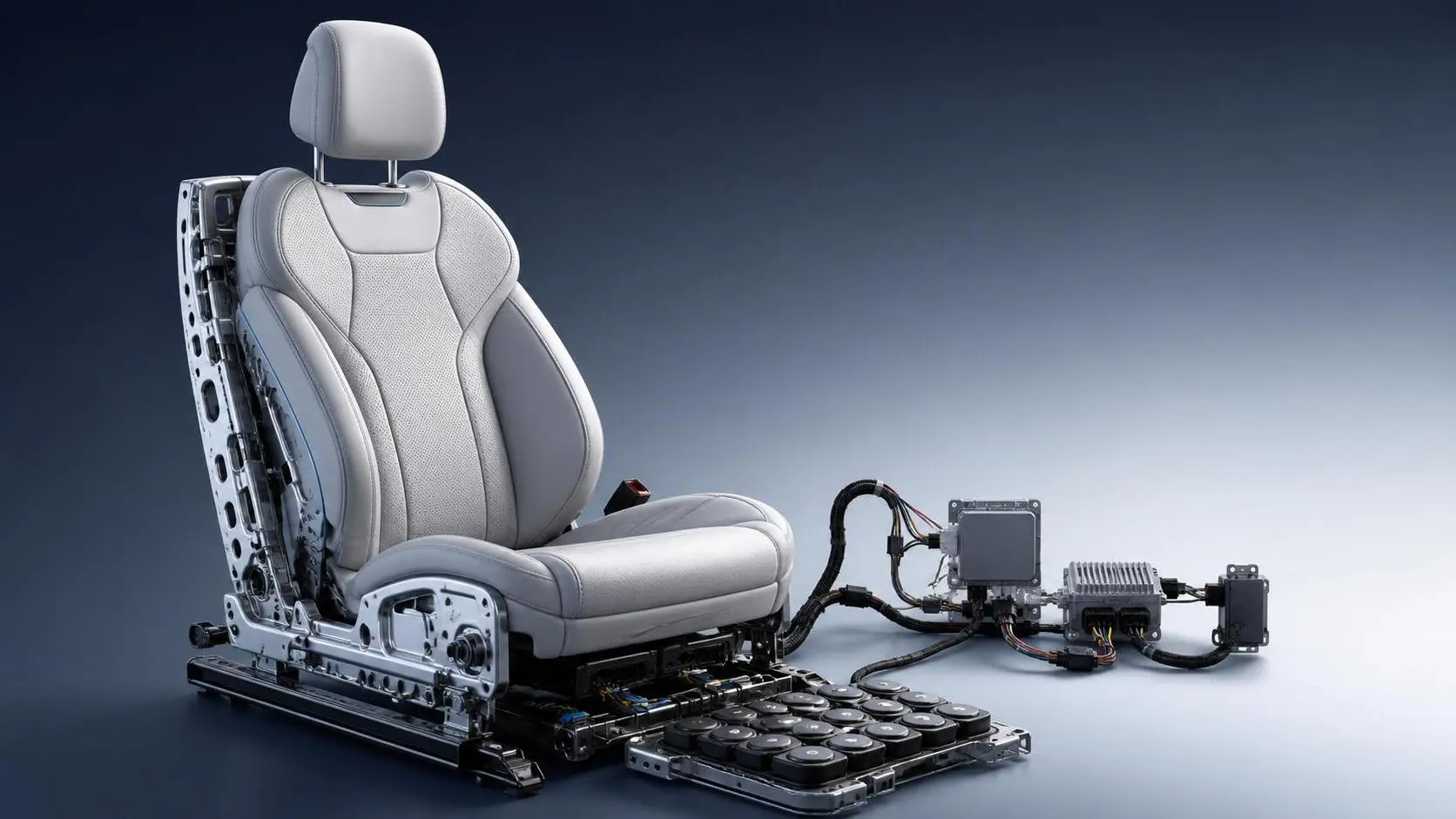
How to Evaluate Custom Smart Automotive Seating for Premium Vehicle Programs?
Custom smart automotive seating evaluation starts with safety, comfort, integration, and production readiness. Discover how premium vehicle teams choose smarter, lower-risk seat solutions.

B2B Product Intelligence Platforms: How to Compare Features, Data Coverage, and ROI
B2B product intelligence platform comparison: learn how to evaluate data coverage, feature depth, compliance visibility, and ROI to choose a sourcing tool that reduces risk and speeds decisions.
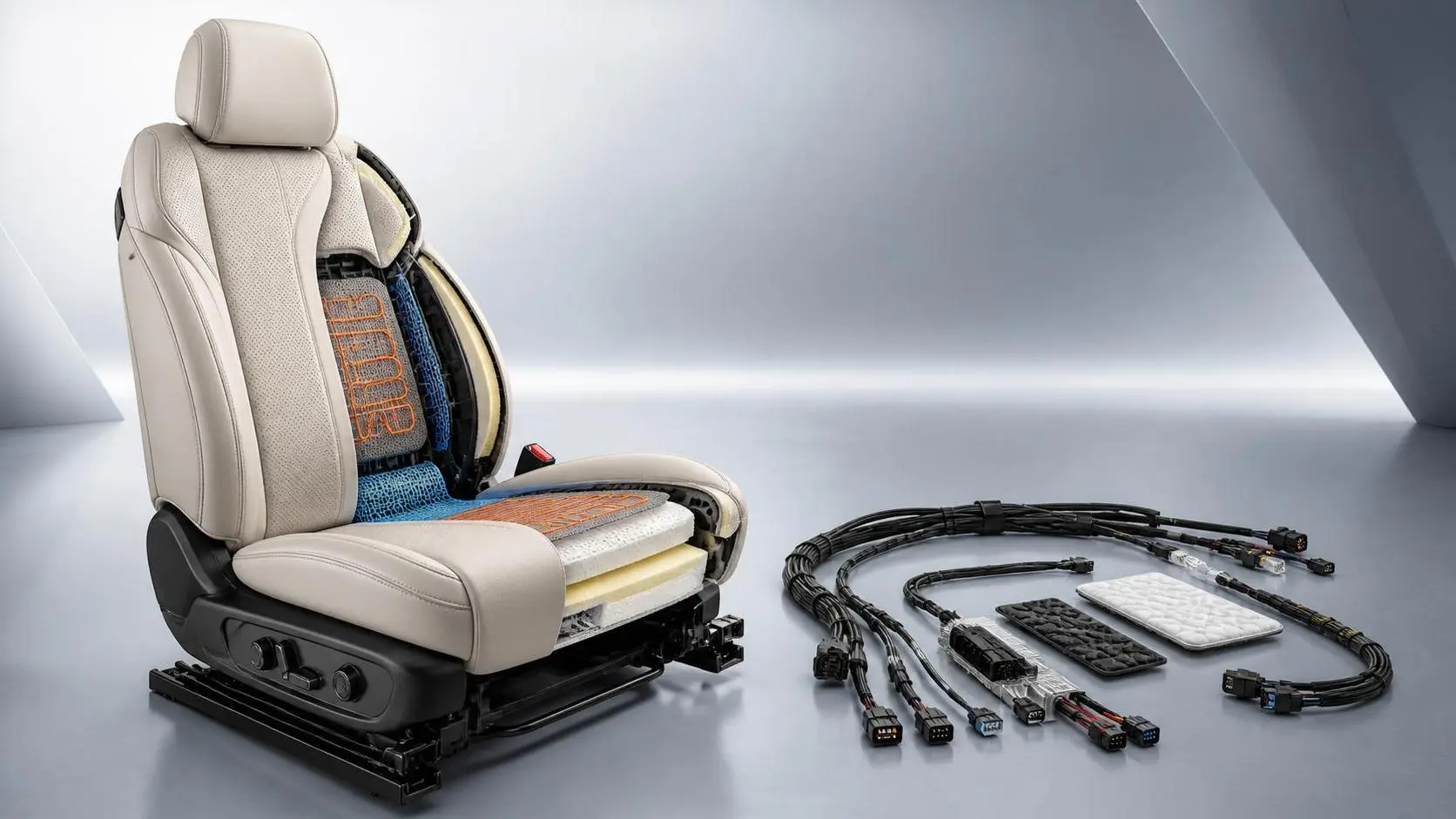
Climate Control Seats Cost: What Drives Price and Long-Term Ownership Value?
Climate control seats cost depends on materials, thermal tech, and integration. Learn what drives price and how to judge long-term value before you buy.

What Factors Drive Marine Navigation Components Cost in Commercial Vessel Projects?
Marine navigation components cost is shaped by integration, compliance, installation, and lifecycle support. Discover what drives pricing and how buyers can reduce risk while improving value.

How Much Does Seat Occupancy Sensing Cost? Key Pricing Factors for Buyers
Seat occupancy sensing price varies widely by technology, integration, and compliance needs. Learn the key cost drivers, avoid hidden fees, and make smarter buying decisions.

How to Specify Micro-Climate Control Cabins for Harsh Outdoor Worksites?
Micro-climate control cabins for harsh outdoor worksites: learn how to specify thermal control, filtration, pressurization, and durability for safer uptime and smarter buying.
How to Evaluate a B2B Product Knowledge Platform for Faster Procurement Decisions
B2B product knowledge platform procurement starts with reducing decision risk. Learn how to compare specs, compliance, and supplier data to speed sourcing with confidence.
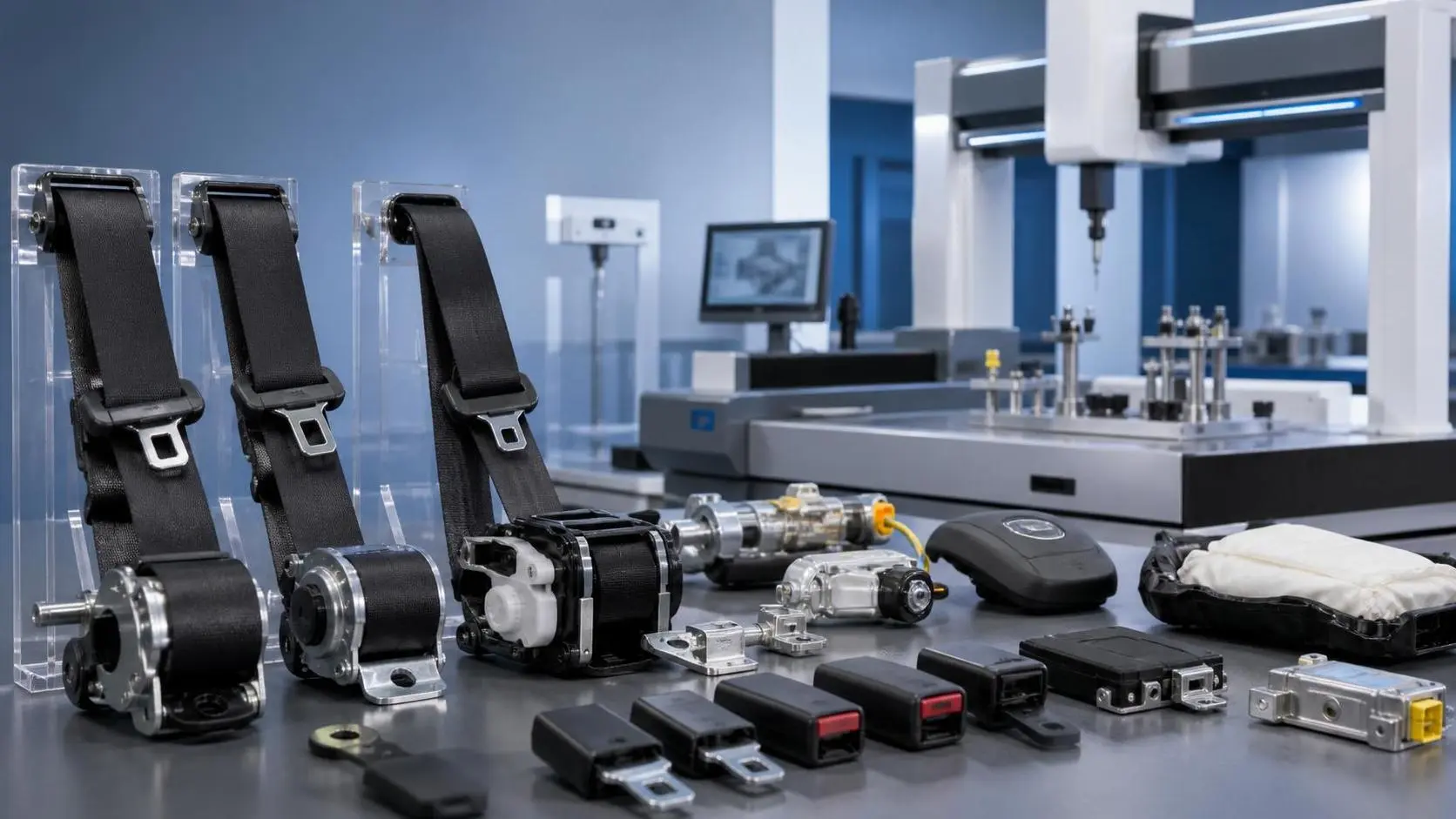
How to Evaluate an Occupant Restraint Systems Exporter for Quality, Compliance, and Supply Risk
Occupant restraint systems exporter evaluation guide: learn how to verify quality controls, compliance evidence, and supply risk before sourcing to avoid recalls, delays, and hidden costs.
Related News
- 00
0000-00
How to Evaluate Automotive Seat Assemblies for EVs by Weight, Safety, and Packaging - 00
0000-00
How to Evaluate a Seat Structures Exporter for OEM Programs: Capacity, Compliance, and Tooling - 00
0000-00
Sensor-Based Smart Seating Solutions: Key Features for Automotive Seat Design - 00
0000-00
What Drives Automotive Ergonomics Cost? Design Inputs, Testing Scope, and Tooling Factors - 00
0000-00
Aluminum Seat Structures vs Steel: When Is the Weight Saving Worth the Trade-Off?
Weekly Insights
Stay ahead with our curated technology reports delivered every Monday.