
Automotive Ergonomics: How to Improve Seat, HMI, and Cabin Layout for Real Users
Automotive ergonomics matters most when real use conditions start to diverge
Automotive ergonomics now sits at the intersection of comfort, safety, usability, and engineering efficiency.
A seat that feels acceptable in a studio review may fail during long-haul driving, rapid ingress, or emergency maneuvering.
The same applies to HMI layouts and cabin packaging.
What works in a premium sedan may create fatigue, distraction, or poor posture in a compact EV or utility platform.
That is why automotive ergonomics should be judged through actual user behavior, not isolated component performance.
Within GNCS coverage, this view is especially relevant.
Seat systems, body structures, airbags, and restraint layouts do not operate separately.
They form one spatial protection system.
GNCS often frames this as linking precision spatial perception with physical containment protection.
In practice, good automotive ergonomics means that occupant posture, visibility, reach, restraint geometry, and interface logic all support each other.
Different vehicle programs create different ergonomic priorities
The biggest mistake is treating automotive ergonomics as a universal checklist.
Real requirements change with vehicle size, drive duration, user age mix, entry frequency, and digital feature density.
A short urban trip amplifies ingress convenience and intuitive controls.
A long intercity route exposes lumbar support limits, thermal discomfort, and shoulder fatigue.
A lightweight platform adds another layer.
When body stampings, seat frames, and restraint anchor points are optimized for mass reduction, tolerance management becomes more critical.
Small packaging changes can alter eye ellipse, belt fit, pedal reach, or airbag deployment posture.
This is where automotive ergonomics stops being a styling topic and becomes a systems decision.
A practical way to compare common cabin situations
This kind of comparison helps keep automotive ergonomics tied to operating reality instead of design assumptions.
Seat design decisions change when the driving pattern changes
Seats are often discussed as comfort hardware, but the better question is how the body is managed over time.
In daily stop-and-go traffic, a softer first impression may feel positive.
Yet overuse of soft foam can reduce pelvic stability and raise muscular compensation.
For longer travel, users usually benefit more from controlled support than from initial plushness.
Automotive ergonomics here depends on cushion angle, H-point consistency, thigh support length, and recliner precision.
Micro-climate control also matters more than many programs expect.
Ventilation, trim permeability, and heat distribution influence fatigue almost as much as shape.
GNCS coverage of smart seating systems highlights this clearly.
Seat intelligence is useful when it responds to posture drift, occupancy, and restraint readiness, not when it adds complexity without ergonomic gain.
A common misjudgment is validating seats only with static clinic feedback.
Automotive ergonomics should be checked after repeated entry, two-hour dwell time, winter clothing, and real belt routing.
HMI layout succeeds when cognitive load stays lower than visual ambition
Large displays do not automatically improve automotive ergonomics.
In many cabins, the issue is not screen size but task layering.
If climate, drive modes, mirror functions, and safety prompts compete inside the same visual zone, users spend longer glancing and searching.
That increases distraction and perceived complexity.
The stronger approach is task hierarchy.
Primary controls should remain accessible during motion, with stable logic and predictable placement.
Secondary functions can sit deeper, but they still need consistent navigation paths.
Where GNCS follows navigation systems and cockpit intelligence, one useful lesson transfers well from marine interfaces.
Critical information should be visible under stress, glare, and limited attention.
That principle strengthens automotive ergonomics in vehicles with ADAS alerts, route data, and energy management screens.
- Keep high-frequency controls within natural reach arcs.
- Reduce menu depth for tasks used while driving.
- Separate warning priorities by urgency, not visual decoration.
- Test interfaces with gloves, sunglasses, and vibration exposure.
Cabin layout becomes more complex when safety packaging is already tight
Cabin layout decisions often look minor until passive safety boundaries are mapped.
Instrument panel depth, console height, steering wheel range, and roof contour all influence occupant position before a crash event.
That means automotive ergonomics must align with airbags, seatbelts, and structural load paths from the beginning.
A lower roofline may improve exterior proportion.
It can also reduce head clearance, distort eye point targets, and compromise helmet or tall-user accommodation.
A wider center console may create premium separation.
It may also interfere with knee clearance or side movement during entry.
The GNCS perspective is useful here because body stampings and containment components are read together.
When hot-stamped structures, belt anchorage, airbag timing, and seat kinematics are considered as one system, automotive ergonomics becomes more robust.
Signals that a cabin layout needs another review
- Seat travel solves reach for one body size but breaks belt fit for another.
- Digital controls reduce hardware count yet increase off-road glance time.
- Lightweight packaging saves mass but creates sharp posture compromises.
- Styling targets push windshield angle beyond comfortable visibility limits.
Where automotive ergonomics is often misread during development
One frequent error is relying too heavily on average user dimensions.
Average data can hide failures at the edges of the user population.
Another error is isolating seat comfort from restraint and crash posture.
A relaxed posture that looks comfortable may worsen belt geometry or airbag interaction.
There is also a cost-side misunderstanding.
Choosing the lowest-cost mechanism or trim solution can increase warranty claims, adjustment dissatisfaction, and redesign work later.
In automotive ergonomics, early validation usually costs less than late correction.
This is especially true in global programs shaped by IIHS, E-NCAP, regional seating expectations, and digital feature variation.
A more reliable path is to build ergonomic decisions around evidence
Useful automotive ergonomics work rarely starts with a single benchmark vehicle.
It starts with scenario mapping.
Identify trip duration, body-size spread, clothing conditions, entry frequency, screen dependence, and expected safety posture.
Then compare those conditions against seat architecture, control reach, and cabin packaging limits.
A practical sequence usually includes the following actions.
- Define two or three priority use cases before locking hard points.
- Validate seat and belt interaction with dynamic posture changes.
- Measure glance behavior for common in-motion tasks.
- Review packaging decisions alongside airbag and body structure constraints.
- Track comfort, usability, and safety findings in one decision loop.
That integrated method reflects the GNCS approach to intelligent mobility systems.
It connects perception, containment, and structural reality instead of treating them as separate disciplines.
When automotive ergonomics is handled that way, seat, HMI, and cabin layout decisions become easier to justify and easier to scale across programs.
The next step is straightforward.
Map the real usage scenarios, confirm the limiting package conditions, and build an ergonomic review standard before late-stage styling or cost pressure narrows the options.
Related News
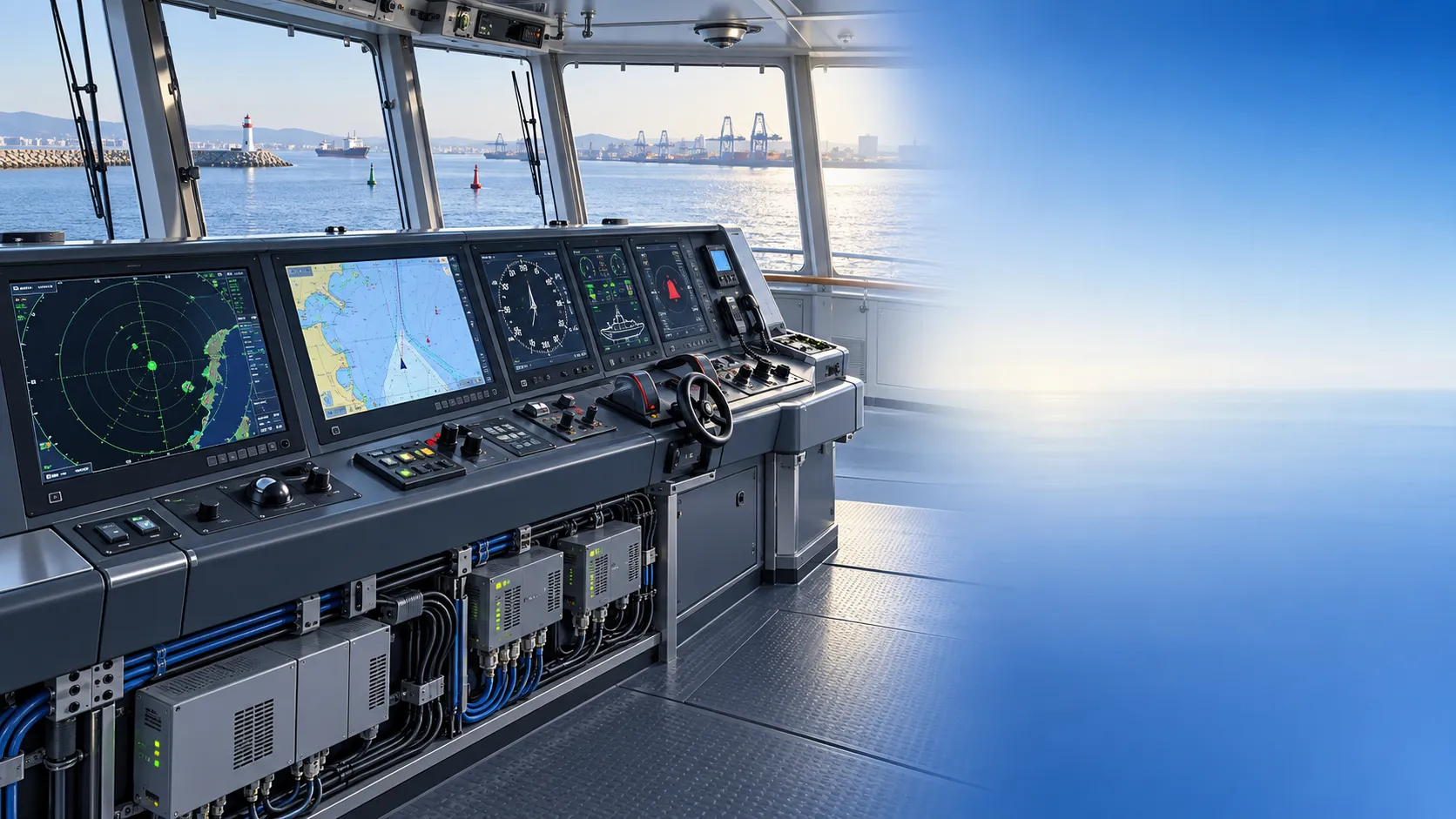
How to Specify Integrated Marine Electronics for Reliable Bridge Operations
Integrated marine electronics: learn how to specify reliable bridge systems with clear data flows, redundancy, alarm control, lifecycle interfaces, and operational testing.

How to Evaluate Navigation Radar Manufacturers for Commercial Vessel Projects
Navigation radar manufacturers: learn how to compare performance, compliance, integration, support, and lifecycle cost for commercial vessel projects.
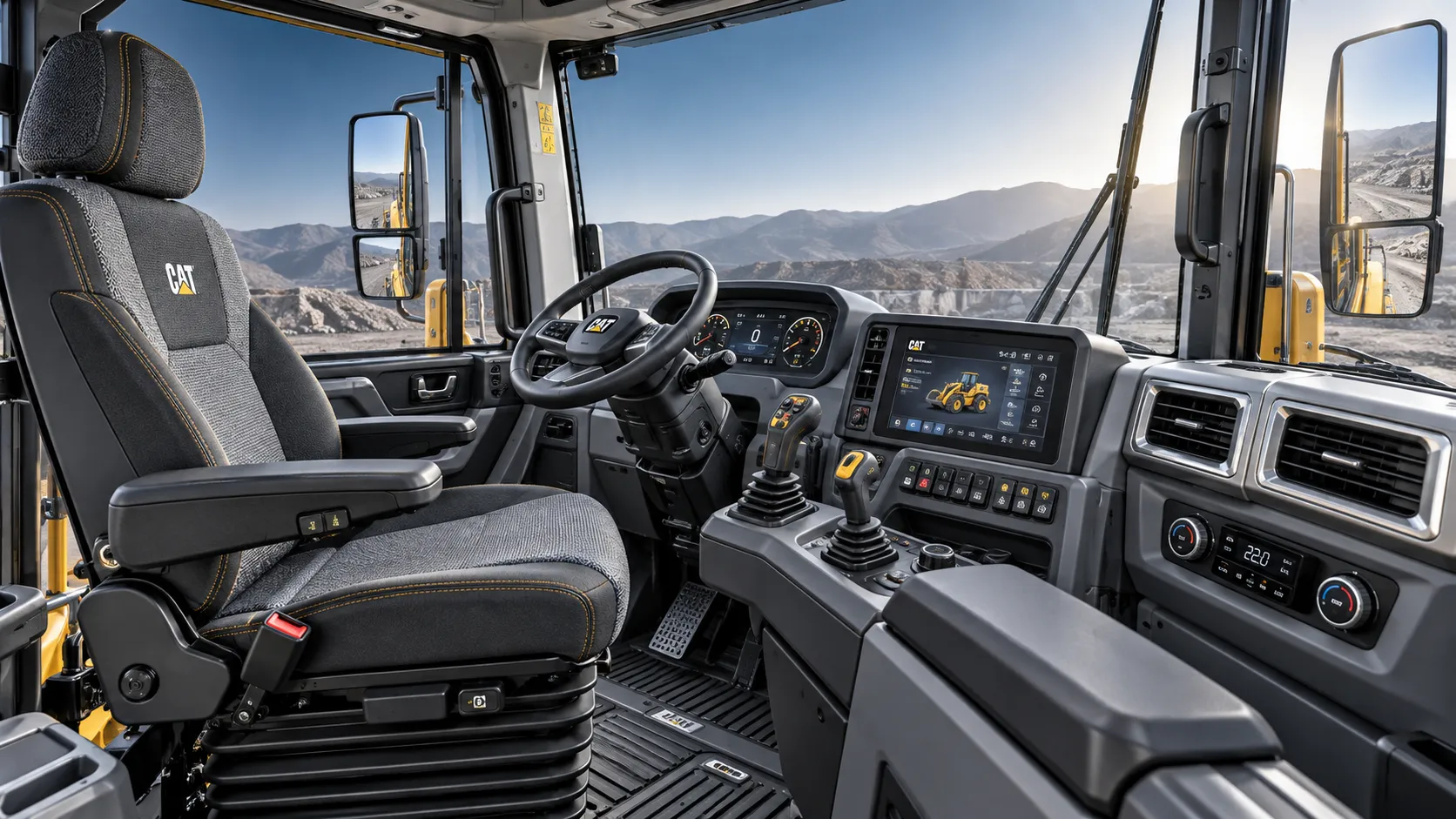
How Adjustable Cabin Ergonomics Reduce Operator Fatigue in Long-Shift Vehicles
Adjustable cabin ergonomics reduces operator fatigue through better seating, reach, visibility, vibration control, and climate comfort for safer long-shift vehicles.
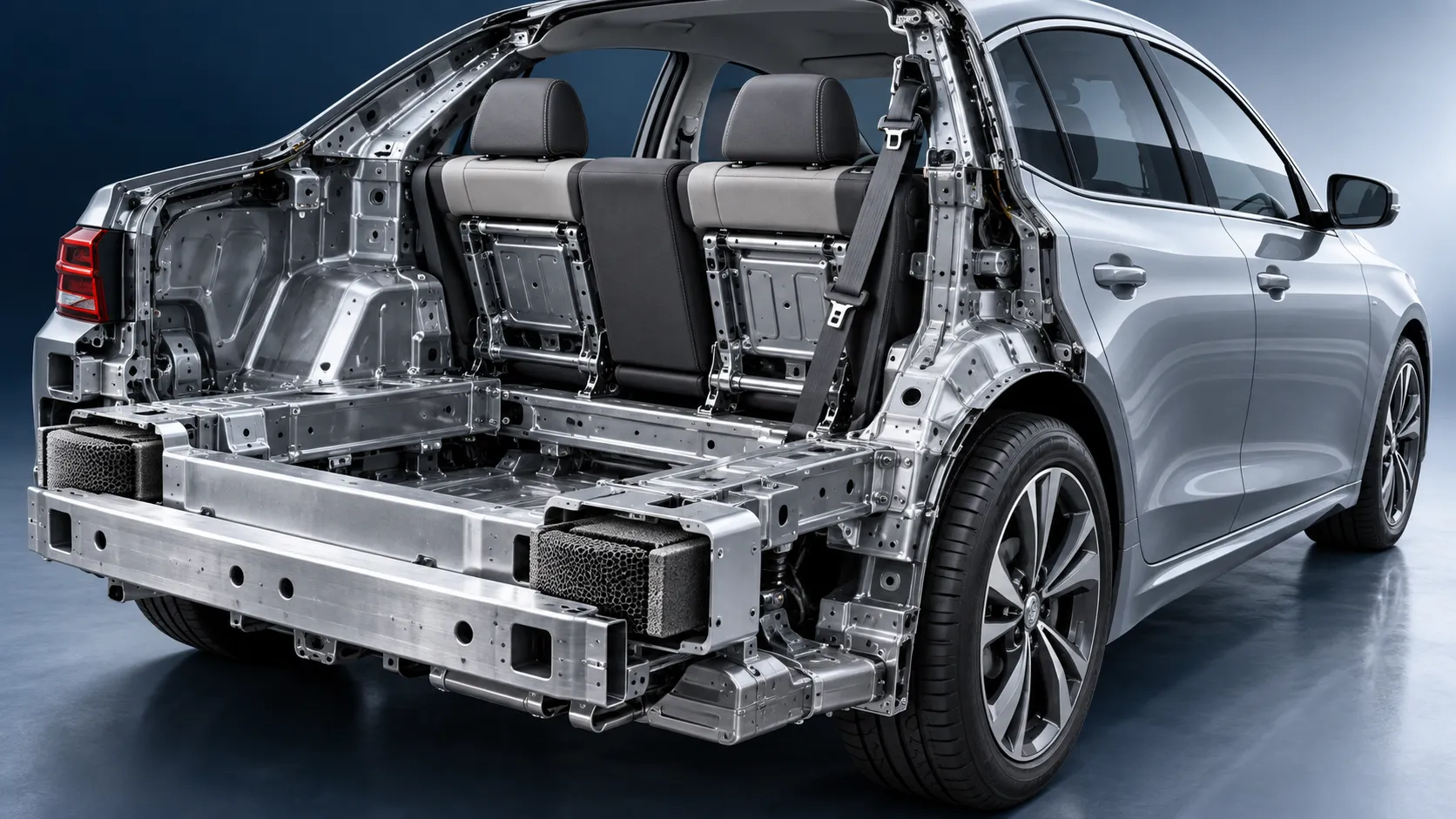
How Rear-Impact Safety Components Work Together to Protect Vehicle Occupants
Explore how automotive safety components for rear impact work together—from crash structures and seats to head restraints and belts—to enhance occupant protection.
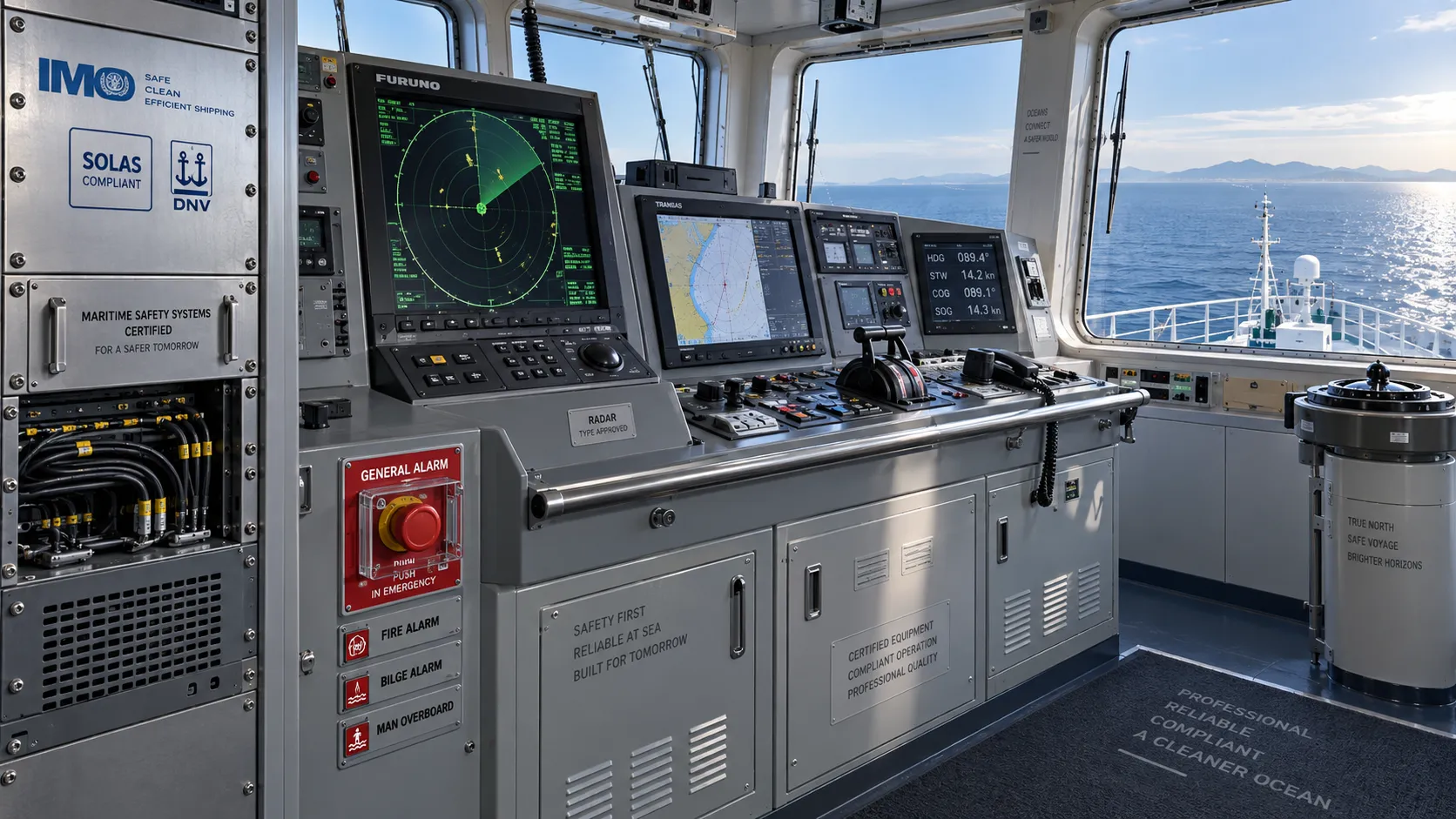
How to Evaluate a Marine Safety Systems Manufacturer for Vessel Compliance and Reliability
Marine safety systems manufacturer evaluation guide: verify compliance, engineering quality, lifecycle costs, and global service support for safer, reliable vessel operations.
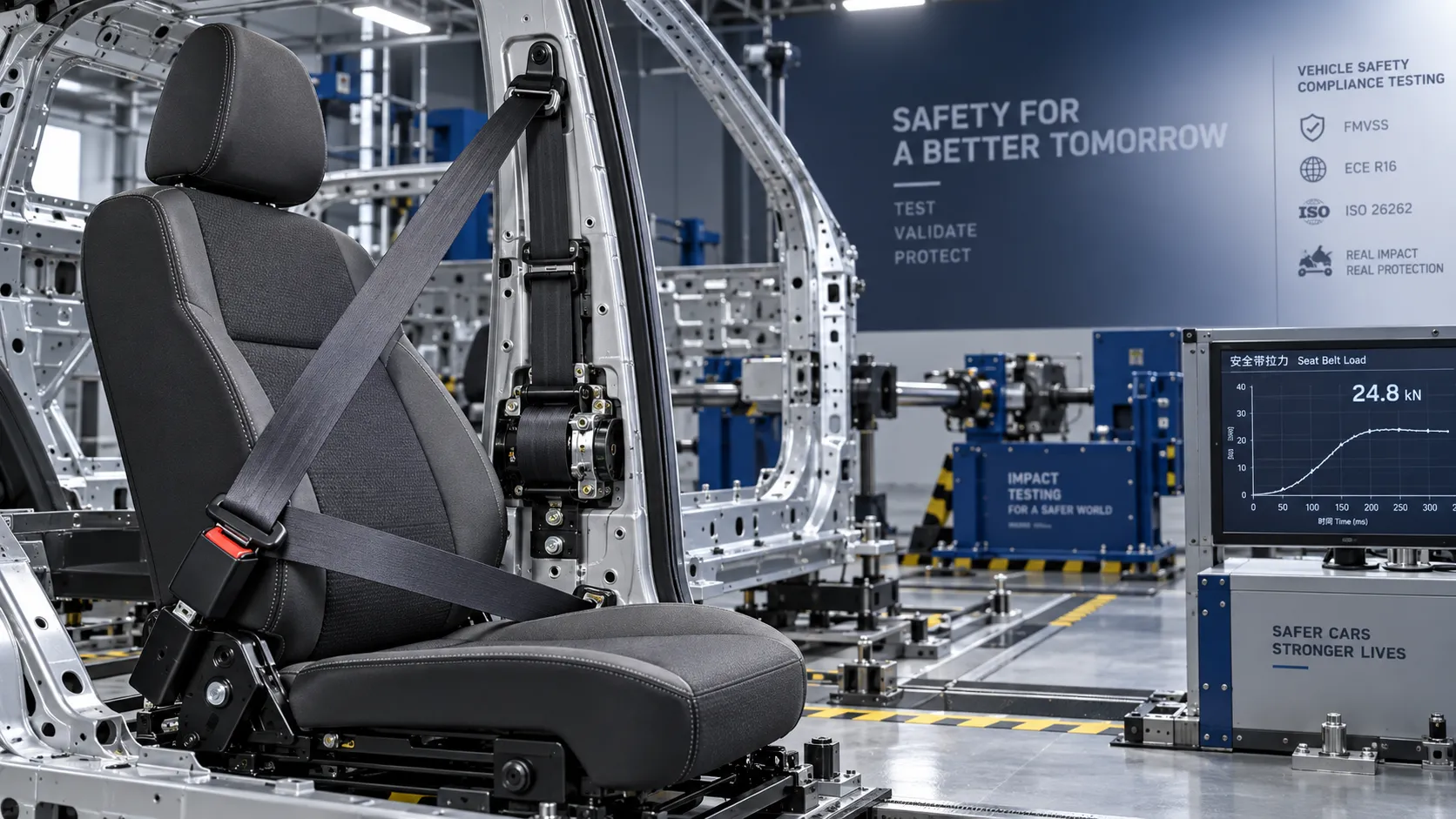
Crash Test Regulations for Seatbelts: Key Compliance Requirements Explained
Crash test regulations seatbelts explained: explore FMVSS, UN rules, anchorage strength, and dynamic restraint testing for safer, compliant vehicle systems.

How to Calculate the Total Cost of Automotive Lightweighting for a Vehicle Program
Automotive lightweight solutions cost: learn how to calculate program-level costs, including materials, tooling, joining, validation, risk, and vehicle-level value.
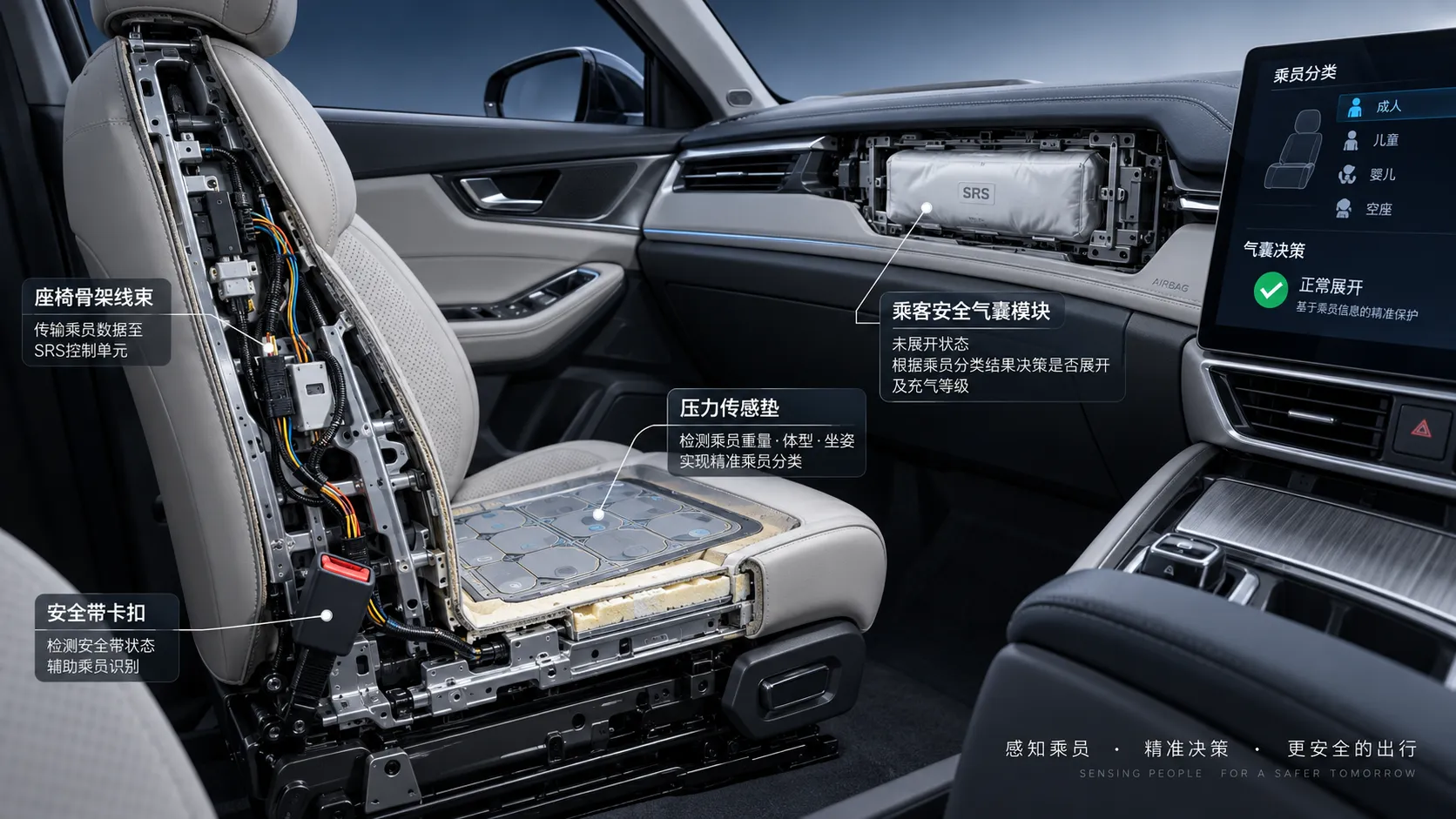
How Automotive Seat Occupancy Sensing Improves Airbag Deployment Decisions
Automotive seat occupancy sensing helps optimize airbag deployment decisions, improving passenger classification, safety diagnostics, and compliance across real-world conditions.

What Drives Lightweight Body Component Costs in High-Volume Vehicle Programs?
Lightweight body components cost depends on material yield, forming, joining, tooling, validation, and logistics. Explore proven ways to optimize total vehicle program cost.
Related News
- 00
0000-00
How to Define Component Specifications for Ergonomic Seating Systems - 00
0000-00
How to Evaluate Automotive Seat Assemblies for EVs by Weight, Safety, and Packaging - 00
0000-00
How to Evaluate a Seat Structures Exporter for OEM Programs: Capacity, Compliance, and Tooling - 00
0000-00
Sensor-Based Smart Seating Solutions: Key Features for Automotive Seat Design - 00
0000-00
What Drives Automotive Ergonomics Cost? Design Inputs, Testing Scope, and Tooling Factors
Weekly Insights
Stay ahead with our curated technology reports delivered every Monday.