
How to Use an Application-Specific Product Guide Database for Faster Product Evaluation
Start with the use case, not the catalog
If you are evaluating products for marine navigation, passive safety, or smart cabin systems, speed usually breaks down at the same point: too much data, not enough context. An application-specific product guide database fixes that only when it is built around the job the product must do. That sounds obvious, but many teams still start by comparing model lists, spec sheets, or supplier brochures before they define the actual operating scenario.
A better approach is to structure the database around the application first. Is the item going into an ocean-going navigation stack, a body-in-white program with strict lightweight targets, an occupant restraint system, or a seat assembly where comfort, sensing, and packaging all matter at once? Once the application is clear, the database becomes a decision tool instead of a document warehouse. You are no longer asking, “Which product looks advanced?” You are asking, “Which product fits this operating environment, this compliance path, and this integration constraint with the fewest unknowns?”
What the database must contain before it saves you time
An application-specific product guide database is useful only when the fields reflect how evaluators actually screen parts and systems. Generic attributes such as product family, manufacturer, and headline performance are not enough. You need the fields that decide whether a candidate moves forward or gets removed early.
- Application category and sub-application. For example, bridge navigation, collision energy management, frontal occupant protection, or smart seating.
- Critical performance indicators tied to the application, not just general specifications.
- Interface and integration data: electrical, mechanical, software, packaging, or communication requirements.
- Compliance references and document links, including the exact certificate, test report, or standard mapping used in the evaluation file.
- Version history. This matters more than teams think, especially where firmware, map data, calibration logic, inflator chemistry, or material stack-ups evolve over time.
- Commercial and sourcing qualifiers such as lead-time sensitivity, regional supply limitations, and whether the product is still in active production.
If those fields are missing, the database may still look organized, but it will not shorten product evaluation in any meaningful way.
Use a filtering sequence that removes bad-fit options early
The fastest evaluators do not compare everything at once. They screen in layers. That is where the database earns its keep.
- Screen for application fit. Remove anything built for a different duty profile, installation environment, or user condition.
- Check compliance path. Before reading deep into performance claims, confirm that the product has the documentation needed for the target market and product category.
- Review integration burden. Two products may both meet core requirements, but one may create extra work in mounting, communications, software updates, harness routing, or validation.
- Compare performance on the metrics that actually change the decision. Ignore nice-to-have fields until the shortlist is small.
- Only then look at supply and commercial constraints. A database should help you avoid spending hours on a technically attractive option that cannot support the program timeline.
That order matters. Teams often start with price or headline performance and end up redoing the review when a hidden compliance or integration issue appears later.
Check whether the database reflects real operating conditions
This is where many databases become misleading. A product guide can look complete while still hiding the conditions behind the numbers. For technical evaluators, the useful question is not just what the product can do, but under what conditions that claim applies.
In marine navigation, that may mean separating nominal positioning or detection capability from the installation environment, vessel class, update method, or sensor configuration. In passive safety, one data point is rarely enough unless the database also shows the test setup, system pairing, material condition, or vehicle architecture assumptions. In smart seating, comfort features and sensing functions can look comparable on paper while creating very different electrical loads, packaging demands, or control integration work.
If your database stores claims without test conditions, pairing assumptions, or version references, treat the entry as incomplete for decision use.
Do not separate compliance from technical screening
A common mistake is to keep compliance in a different folder, owned by a different team, reviewed later. That slows everything down. For evaluation work in navigation and cabin safety, compliance is not a final checkpoint. It changes the shortlist from the beginning.
Your database should let you trace each candidate to the exact documents used in the review: declaration files, approval records, test reports, revision dates, market-specific applicability, and the product configuration those documents cover. Do not assume that a certification attached to one variant automatically applies to another variant in the same family. Do not assume a test record from one integration context transfers cleanly into another.
When a requirement depends on destination market, vehicle type, vessel function, or system role, the database needs a field for that dependency. Otherwise evaluators end up making broad assumptions that are hard to defend later.
Build comparison views around decision friction
A good database does not just store data. It reduces hesitation. The fastest way to do that is to create comparison views that match the actual points of disagreement inside the evaluation team.
For one program, the debate may be sensor reliability versus integration effort. For another, it may be weight reduction versus crash-energy management, or occupant comfort features versus seat-frame complexity. Those trade-offs should be visible side by side. If evaluators still have to export everything into separate spreadsheets to discuss the real choice, the database is not yet doing its job.
Flag the fields that usually get glossed over
Some of the most expensive evaluation mistakes come from fields that look secondary during the first pass.
- Revision and release status: critical when software, firmware, digital charts, sensing logic, or material stack-up changes can alter behavior.
- Variant linkage: needed when a family name covers multiple configurations with different dimensions, interfaces, or approval status.
- Test context: because a result without setup information is not a reliable comparison input.
- Dependency notes: useful when one component only performs as expected with a specific controller, inflator type, sensor stack, or seat architecture.
- Obsolescence signals: especially important for long program cycles where active support matters as much as initial fit.
These are not housekeeping details. They change decisions.
Treat missing information as a scoring issue, not a note in the margin
One practical way to use an application-specific product guide database for faster product evaluation is to score completeness separately from performance. A candidate with strong published specs but weak document coverage, unclear version history, or missing integration data should not sit beside a fully documented option as if both carry the same evaluation confidence.
This helps in cross-functional meetings. Engineers, sourcing teams, and compliance reviewers often talk past each other because one group is discussing capability while another is worried about proof. If the database clearly shows both technical fit and information confidence, those conversations get shorter and more productive.
Keep the database close to the evaluation workflow
The database should support the way evaluators work day to day. That means it needs an intake rule for new products, a standard review path for shortlisted candidates, and a clear owner for document freshness. Otherwise the tool drifts into a static archive.
A simple operating rhythm works well:
- Create the evaluation brief with application, market, interfaces, and must-have documents.
- Run the first filter inside the database and remove poor-fit entries quickly.
- Review the remaining candidates against compliance scope and integration burden.
- Score technical fit and information completeness separately.
- Send document or data gaps back as targeted questions tied to specific fields, not general requests for “more information.”
That last point matters. Suppliers respond faster when your questions are precise: which variant, which revision, which interface, which approval record, which test condition.
What to do before you approve a shortlist
Before you move from database screening into sampling, lab validation, or sourcing alignment, pause on three checks.
First, confirm that every shortlisted item has been evaluated in the same application frame. Mixed assumptions make the comparison look cleaner than it really is.
Second, verify that the supporting documents match the specific product variant under review. Family-level claims are a frequent source of avoidable confusion.
Third, check whether the remaining uncertainty sits in product capability or in missing evidence. Those require different next steps. Capability questions go to testing or engineering review. Evidence gaps go back into document collection and traceability work.
Used this way, an application-specific product guide database does more than organize information. It shortens the decision path because it forces the right questions into the right order: fit, compliance, integration, proof, then performance trade-offs. For technical evaluators, that is usually the difference between a fast comparison and a slow rework cycle.
Related News

How to Specify Integrated Marine Electronics for Reliable Bridge Operations
Integrated marine electronics: learn how to specify reliable bridge systems with clear data flows, redundancy, alarm control, lifecycle interfaces, and operational testing.

How to Evaluate Navigation Radar Manufacturers for Commercial Vessel Projects
Navigation radar manufacturers: learn how to compare performance, compliance, integration, support, and lifecycle cost for commercial vessel projects.

How Adjustable Cabin Ergonomics Reduce Operator Fatigue in Long-Shift Vehicles
Adjustable cabin ergonomics reduces operator fatigue through better seating, reach, visibility, vibration control, and climate comfort for safer long-shift vehicles.

How Rear-Impact Safety Components Work Together to Protect Vehicle Occupants
Explore how automotive safety components for rear impact work together—from crash structures and seats to head restraints and belts—to enhance occupant protection.
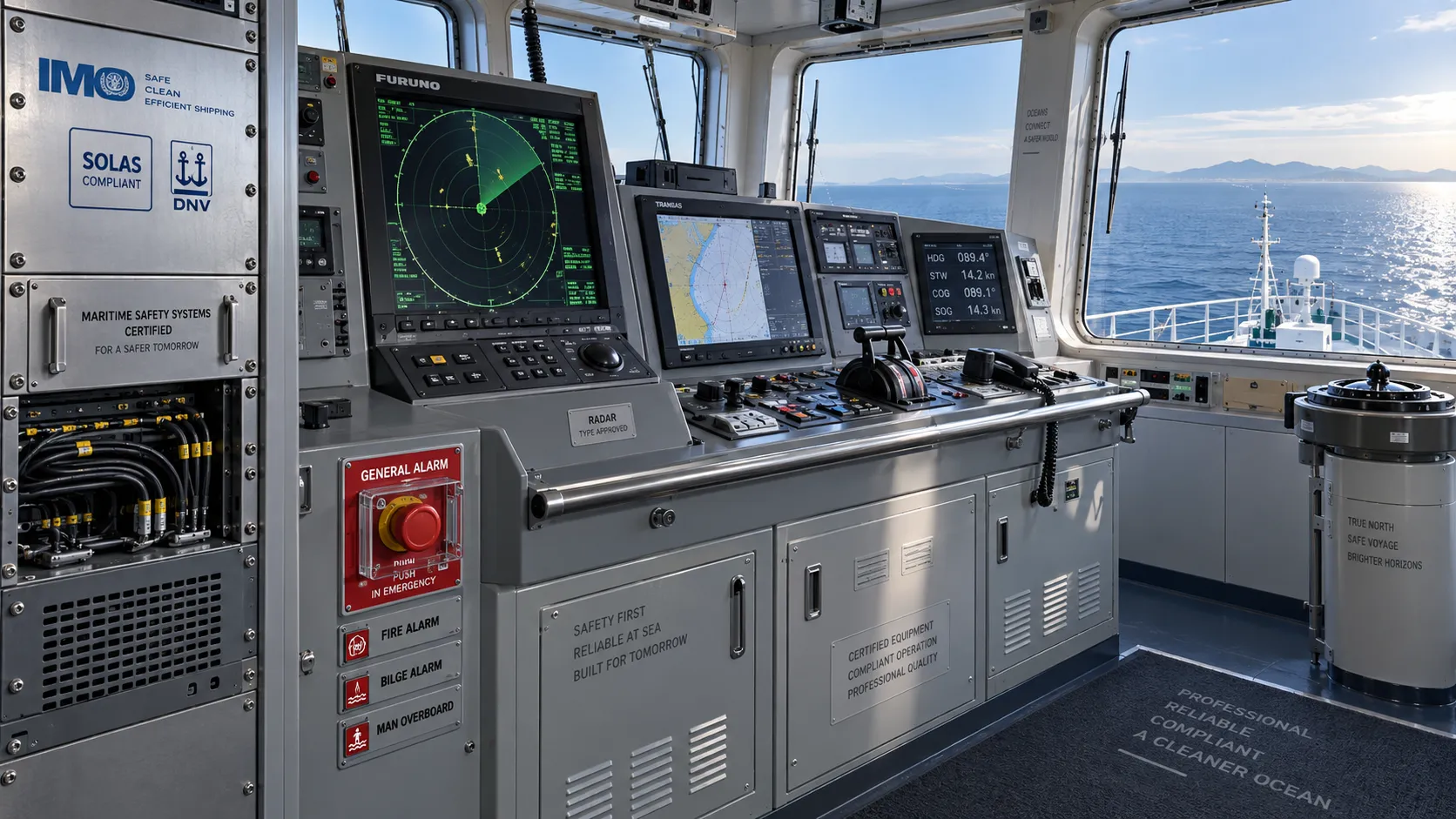
How to Evaluate a Marine Safety Systems Manufacturer for Vessel Compliance and Reliability
Marine safety systems manufacturer evaluation guide: verify compliance, engineering quality, lifecycle costs, and global service support for safer, reliable vessel operations.
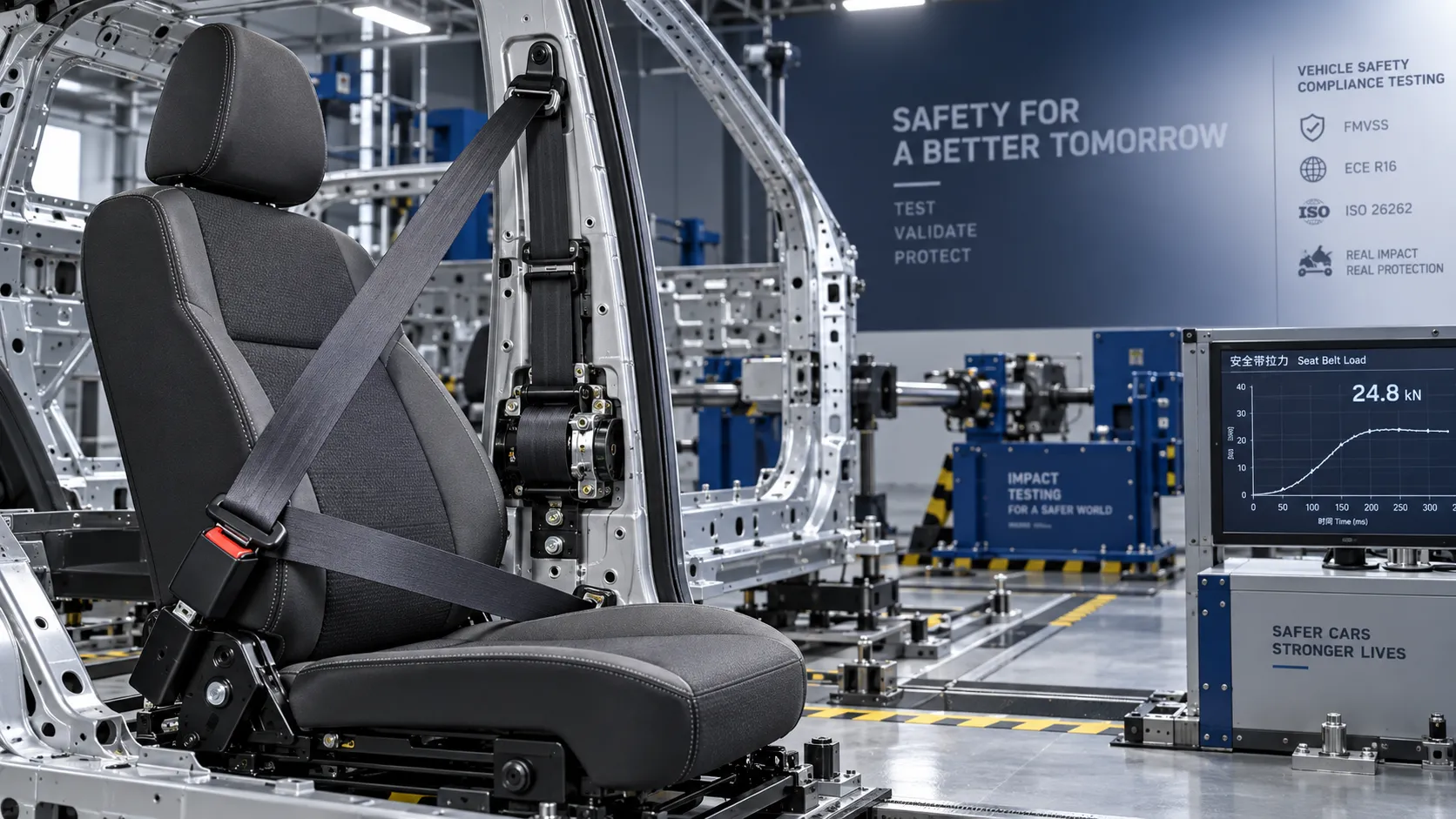
Crash Test Regulations for Seatbelts: Key Compliance Requirements Explained
Crash test regulations seatbelts explained: explore FMVSS, UN rules, anchorage strength, and dynamic restraint testing for safer, compliant vehicle systems.

How to Calculate the Total Cost of Automotive Lightweighting for a Vehicle Program
Automotive lightweight solutions cost: learn how to calculate program-level costs, including materials, tooling, joining, validation, risk, and vehicle-level value.

How Automotive Seat Occupancy Sensing Improves Airbag Deployment Decisions
Automotive seat occupancy sensing helps optimize airbag deployment decisions, improving passenger classification, safety diagnostics, and compliance across real-world conditions.

What Drives Lightweight Body Component Costs in High-Volume Vehicle Programs?
Lightweight body components cost depends on material yield, forming, joining, tooling, validation, and logistics. Explore proven ways to optimize total vehicle program cost.
Related News
- 00
0000-00
How to Specify Integrated Marine Electronics for Reliable Bridge Operations - 00
0000-00
How Adjustable Cabin Ergonomics Reduce Operator Fatigue in Long-Shift Vehicles - 00
0000-00
How to Evaluate a Marine Safety Systems Manufacturer for Vessel Compliance and Reliability - 00
0000-00
How to Calculate the Total Cost of Automotive Lightweighting for a Vehicle Program - 00
0000-00
What Drives Lightweight Body Component Costs in High-Volume Vehicle Programs?
Weekly Insights
Stay ahead with our curated technology reports delivered every Monday.